
Maintain your WordPress website yourself or outsource it?
by Monique Maessen-Demoet, web designer at Demoet grahic design
As a graphic designer and website builder, I work daily with WordPress websites for freelancers and SMEs throughout the Netherlands. What I often see? A lot of attention is paid to the design and construction of a website, but regular WordPress website maintenance is often neglected.
That's risky. A WordPress website without proper maintenance becomes slow, insecure, and less searchable in Google. I regularly see this happen with clients who haven’t had their website checked in a while: an outdated plugin bringing down the entire site, or a contact form that stopped forwarding messages months ago without anyone noticing. WordPress website maintenance isn't a one-time action, but an ongoing process essential for performance, security, and SEO.
WordPress maintenance involves regularly performing updates, maintaining security, and monitoring your website's speed. Doing it yourself primarily requires time and technical knowledge; outsourcing it buys you peace of mind and certainty.
In this blog post, I explain what WordPress website maintenance entails, what you can do yourself, and when outsourcing website maintenance is a smart choice.
What is WordPress website maintenance?
WordPress website maintenance consists of several components that together ensure a stable, secure, and fast website. Generally, it can be divided into technical maintenance, functional maintenance, and security.
Technical WordPress maintenance
Technical maintenance focuses on the backend of your website, such as WordPress core updates, theme updates, plugin updates, PHP versions, and server compatibility. If these components are not properly coordinated, error messages or even a complete website outage may occur.
Functional website maintenance
Functional maintenance focuses on the functioning of your website. Are contact forms still working? Do buttons and menus work? Does content display correctly on mobile devices? Many errors are only noticed after visitors have left, and that costs you money.
WordPress security and monitoring
WordPress is popular and therefore attractive to hackers. Without proper security, you run the risk of malware, spam, or data breaches. Monitoring helps identify problems early.
Do you do your own website maintenance or outsource it?
Are you technically savvy and work with WordPress daily? Then you could choose to do your own website maintenance. However, for most freelancers and SMEs, this isn't realistic.
Outsourcing website maintenance means:
- Less risk of errors
- Faster resolution of problems
- Continuously updated
- More peace of mind and focus on your business
For entrepreneurs who rely on online visibility, the time required for self-maintenance often does not outweigh the peace of mind that comes with outsourcing.
10 tips for maintaining your WordPress website yourself
Still want to do it yourself? Then the following points are crucial.
1. Perform WordPress updates
Make sure your WordPress installation is always up to date. Updates fix security vulnerabilities, improve performance, and ensure better compatibility with plugins and themes.
2. Maintain and clean up WordPress plugins
Remove plugins you no longer use. Old or poorly maintained plugins pose a significant security risk and slow down your website.
3. Configure WordPress security
Use a reliable security plugin like Wordfence. Configure firewall rules, login restrictions, and malware scans correctly to prevent attacks.
4. Prevent WordPress hacks with strong passwords
Preventing a WordPress hack starts with strong passwords of at least 12 characters, unique per user, and no default usernames (so no "admin"). Delete old user accounts to prevent unauthorized access.
5. Optimize WordPress speed with caching
Use caching plugins like WP Rocket or LiteSpeed Cache. A fast website improves the user experience and your Google ranking.
6. Optimize images in WordPress
Large images slow down your website. Optimize images by compressing them to a maximum of 100 KB and scaling them correctly before uploading.
7. Back up your WordPress site
Regularly create a full backup of your files and database. Always do this before installing updates. This allows you to quickly recover from any problems.
8. Combine SEO and website maintenance
Good maintenance alone doesn't automatically generate visitors. Combine website maintenance with SEO. Use Yoast SEO and continue adding content that aligns with your target audience's search intent.
9. Choose reliable WordPress hosting
Good hosting is a foundation of WordPress maintenance. Pay attention to speed, support, automatic backups, and security. Cheap often ends up being expensive.
10. Website monitoring WordPress
Regularly check for updates, errors, backups, and website uptime. With professional WordPress maintenance, this is done monthly or even more frequently.

When to outsource WordPress website maintenance?
Outsourcing website maintenance is smart if you:
- Have no knowledge of WordPress
- Have no technical knowledge of websites
- Are dependent on online leads
- Don't want to waste time on problems
- Want to be assured of security and stability
- Prefer to focus on customers
Routine maintenance, whether you do it yourself or outsource it, prevents most unexpected problems and costs.
Frequently asked questions about WordPress maintenance
How often should I maintain my WordPress website?
It is best to perform core updates and security checks on a monthly basis. Ideally, you should create backups even more frequently—especially right before installing an update.
How much does professional WordPress maintenance cost?
That depends on the size of your website and how much is already in good shape. Feel free to get in touch, and I’ll take a look with you at exactly what your website needs.
Can I switch to outsourcing if I’m currently doing it myself?
Yes, that can be done at any time. I first assess the current state of your website so we know our starting point before taking over the maintenance.
What happens if I don't maintain my WordPress website at all?
Your website gradually becomes more vulnerable to hackers, slower, and less visible on Google. In the worst-case scenario, the site goes down completely or you lose data.
Want to outsource your WordPress website maintenance without any hassle?
Click here for more information about website maintenance or feel free to contact me directly (0031 6 4821 6537). I'm happy to help.
Demoet graphic design helps businesses and individuals with web design, graphic design, and interior design. With over 30 years of experience and many satisfied customers, I'm a trusted source.
More blogs
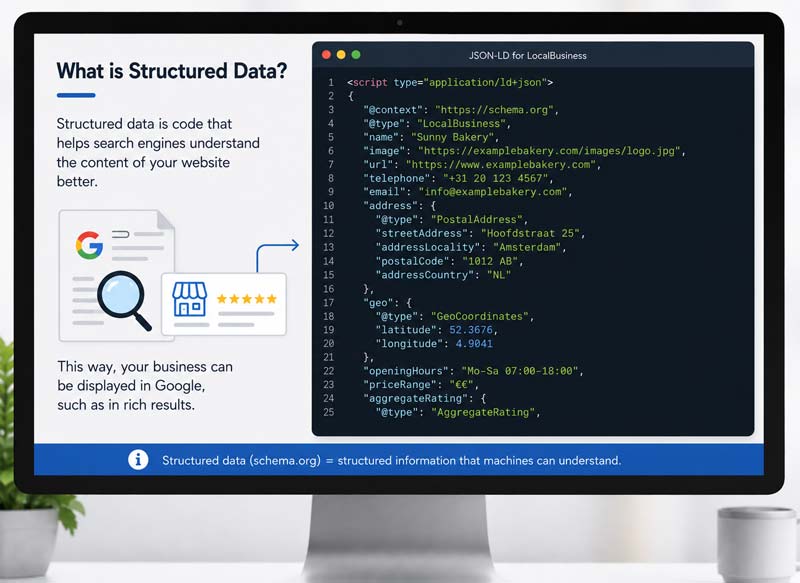
The importance of structured data on your website
Structured data tells Google and AI tools like ChatGPT who you are and what you do. Without this code your website often gets skipped in AI answers, even when the content itself is fine.
How to migrate from Divi 4 to Divi 5
Divi 5 had its official release on February 26, 2026. Divi 4 stays supported until at least the end of February 2027. Read the full step-by-step guide for a safe migration without stress.
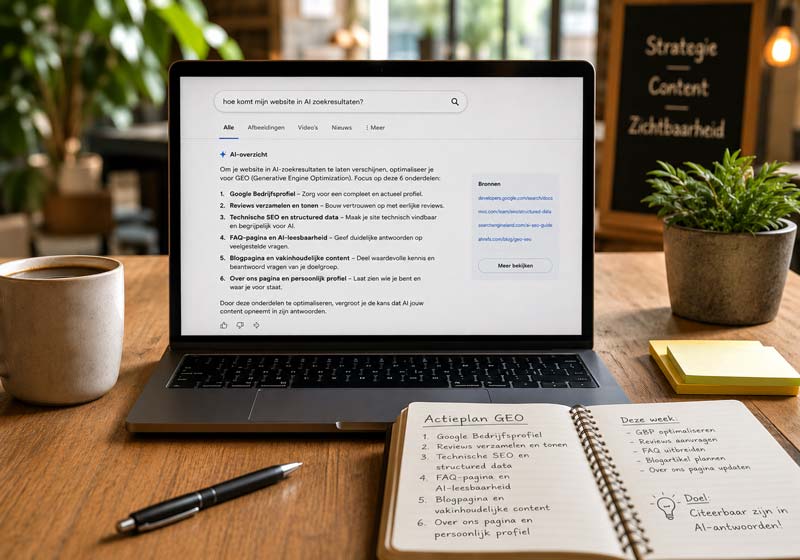
How do I get my website into AI search results?
GEO, Generative Engine Optimization, makes your website readable for ChatGPT and Google AI. These 6 components decide whether AI mentions your business as the answer to a customer’s question.
Want to share this blog?